Canvas Passive Re-Amp
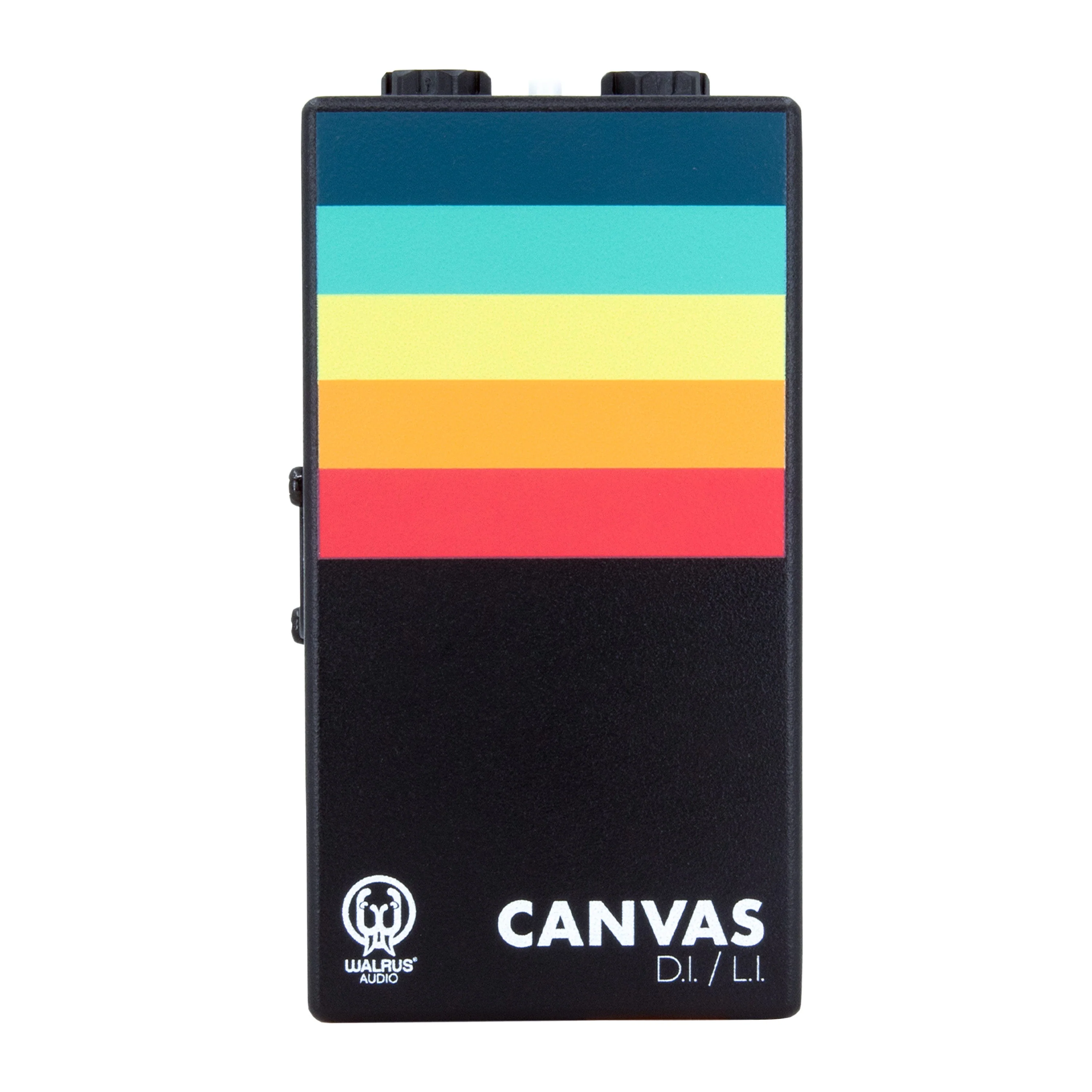
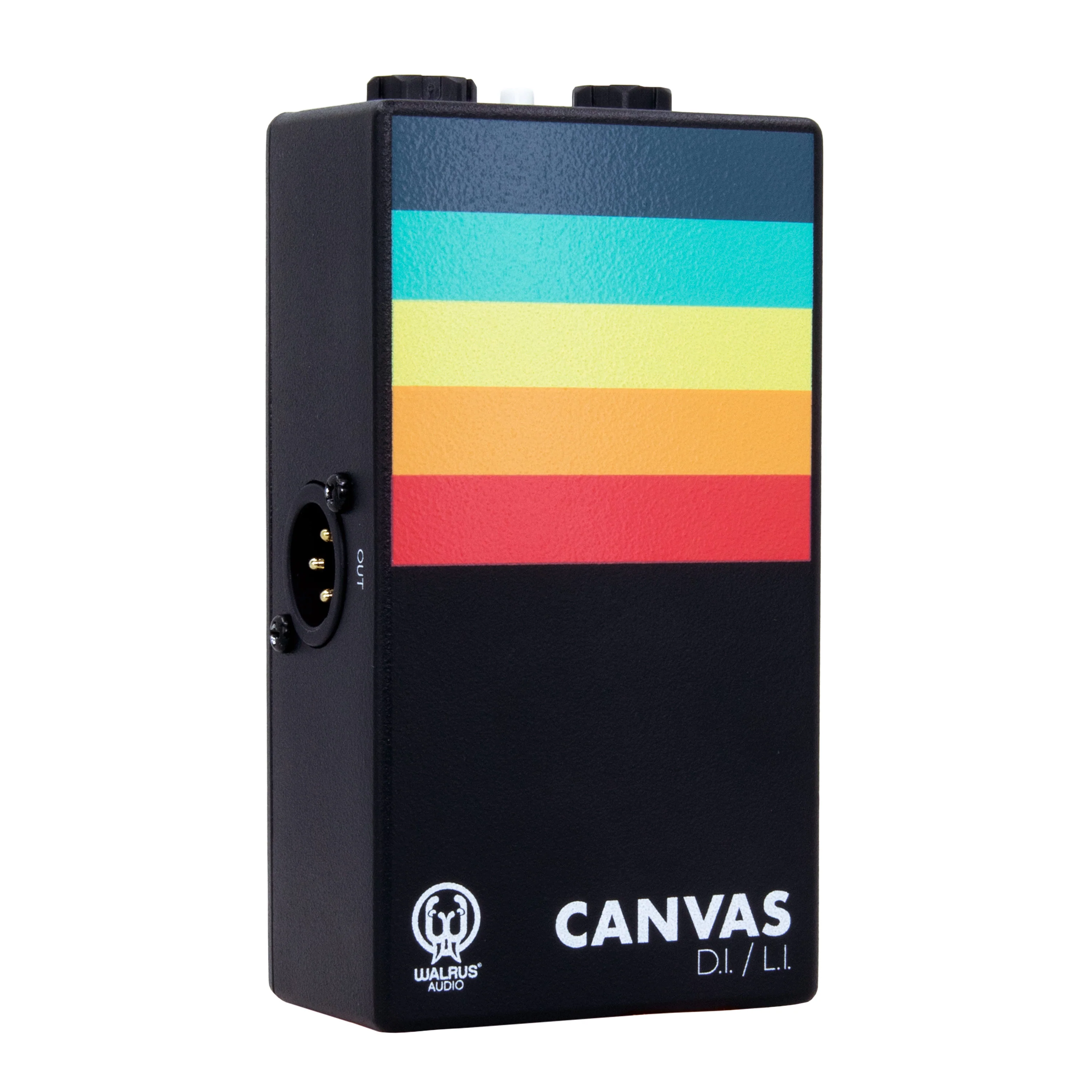
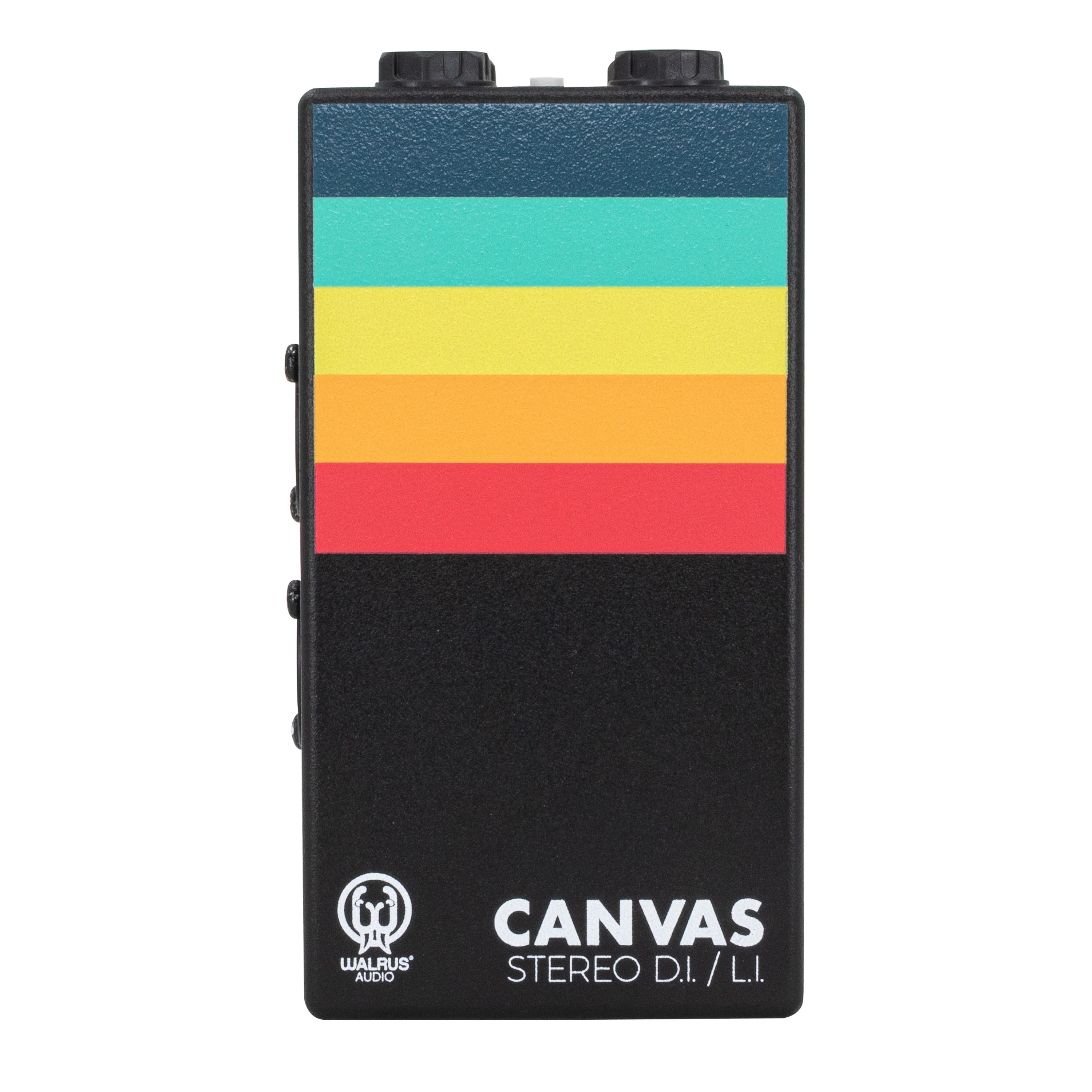
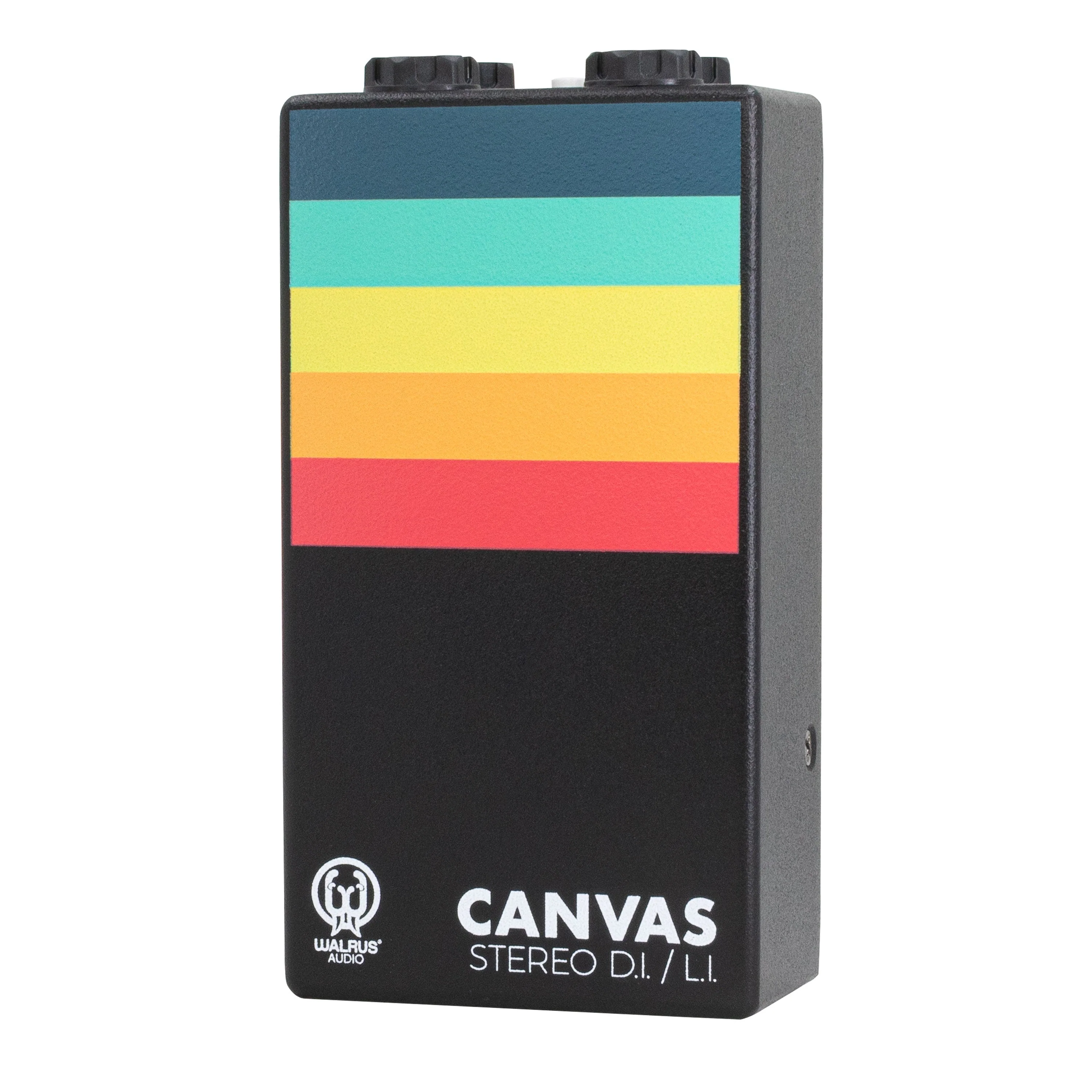
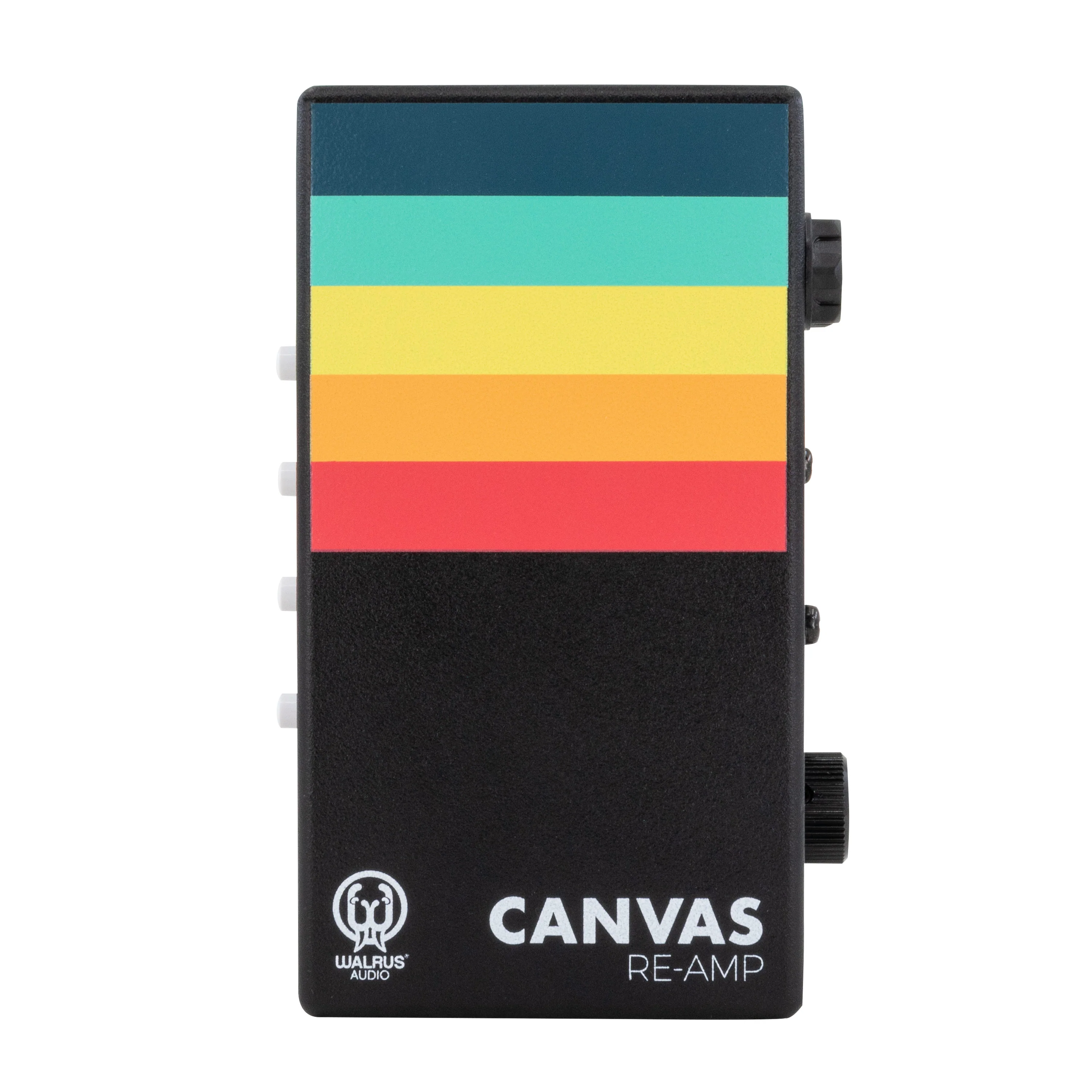
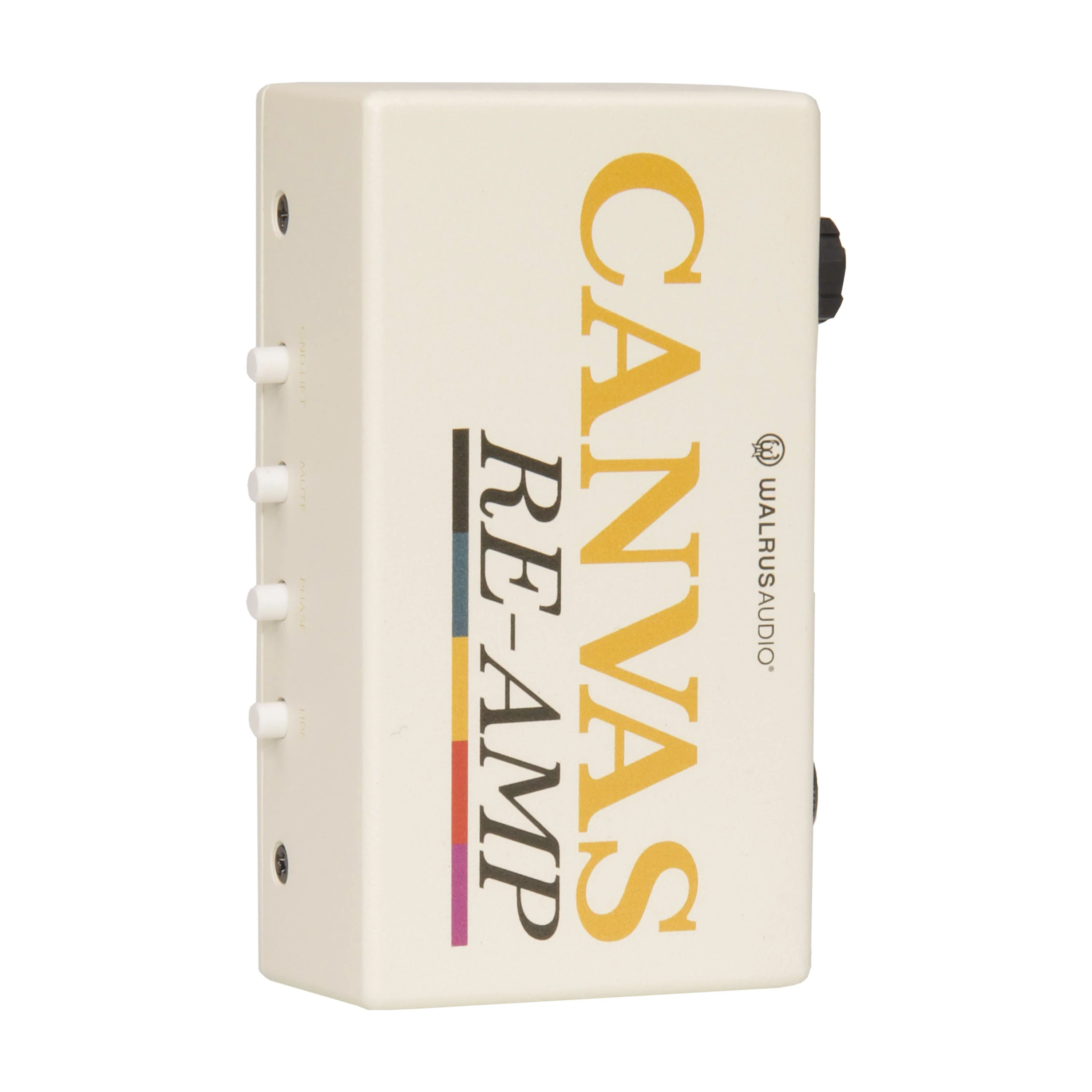
Adding another tool to the musical paint pallet, Walrus Audio is creating another way to design your tone with the Canvas Series Passive Re-Amp. The Re-Amp is a studio tool designed to send recorded guitar, drums, or other instrument tracks from your recording session through pedals and effects, or different amp combinations. The Re-Amp makes it’s appearance to facilitate all-new ways to experiment with your songs.

Artists and producers can save time on tracking sessions by recording dry tracks first, then using Canvas Re-Amp’s custom Sapphire Transformers to convert line-level signals, optimizing them to work with amps and guitar pedals of any kind to explore limitless tones and sounds.
Using a Re-Amp
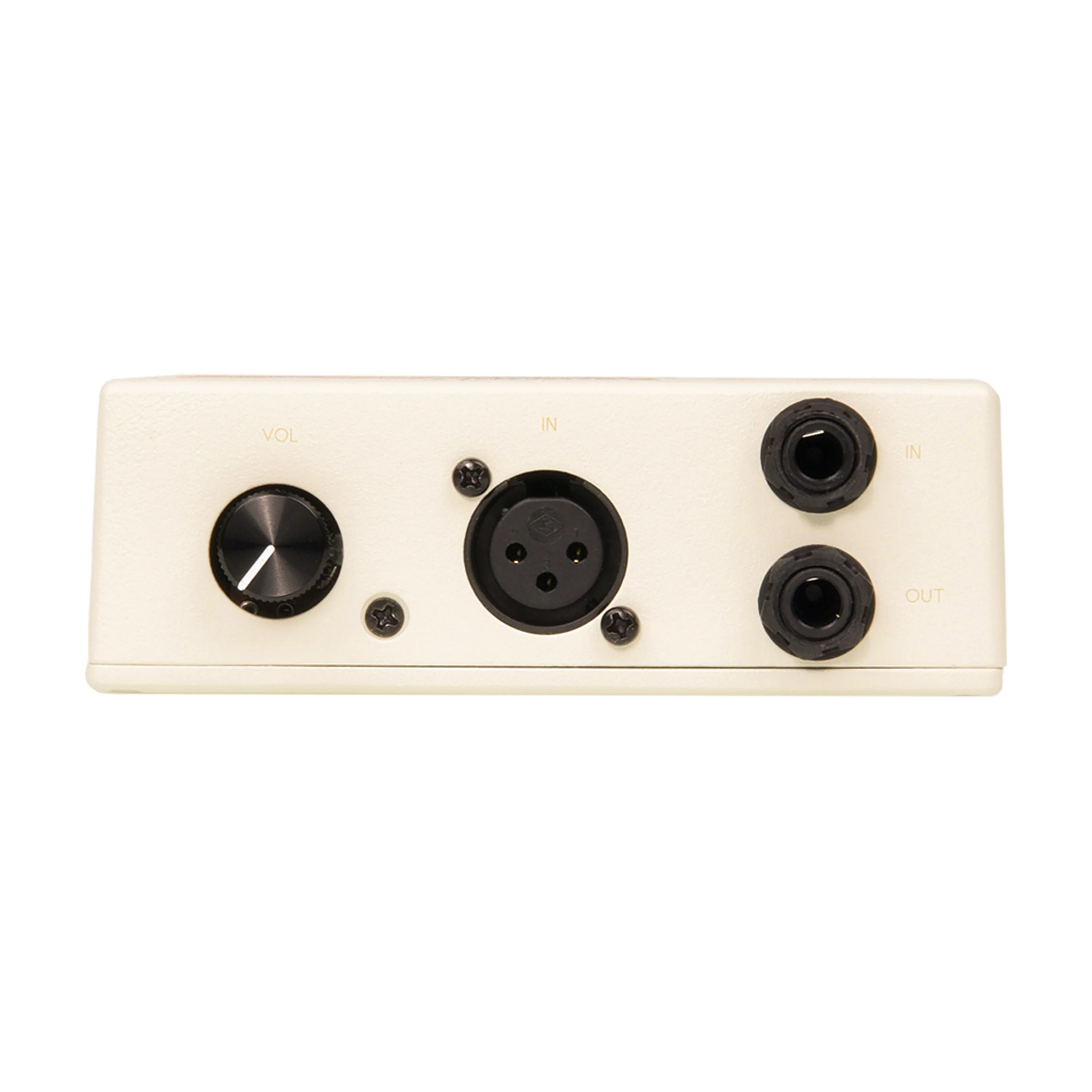
1. From your DAW, audio track goes into the Canvas Re-Amp.
2. Out from Re-Amp into pedals or mic'd amp.
3. Out from pedals / amp back into DAW.

Canvas Re-Amp Features
- Frequency Response: 20Hz To 20kHz
- THD+N: 0.07% @ 20Hz / +4dBu Input 0.001% @ 1kHz / +4dBu Input
- Maximum Input Level: +21dBu @ 20Hz
- Noise Floor: -116dBu
- Signal To Noise Ratio: 114dB @ 1kHz
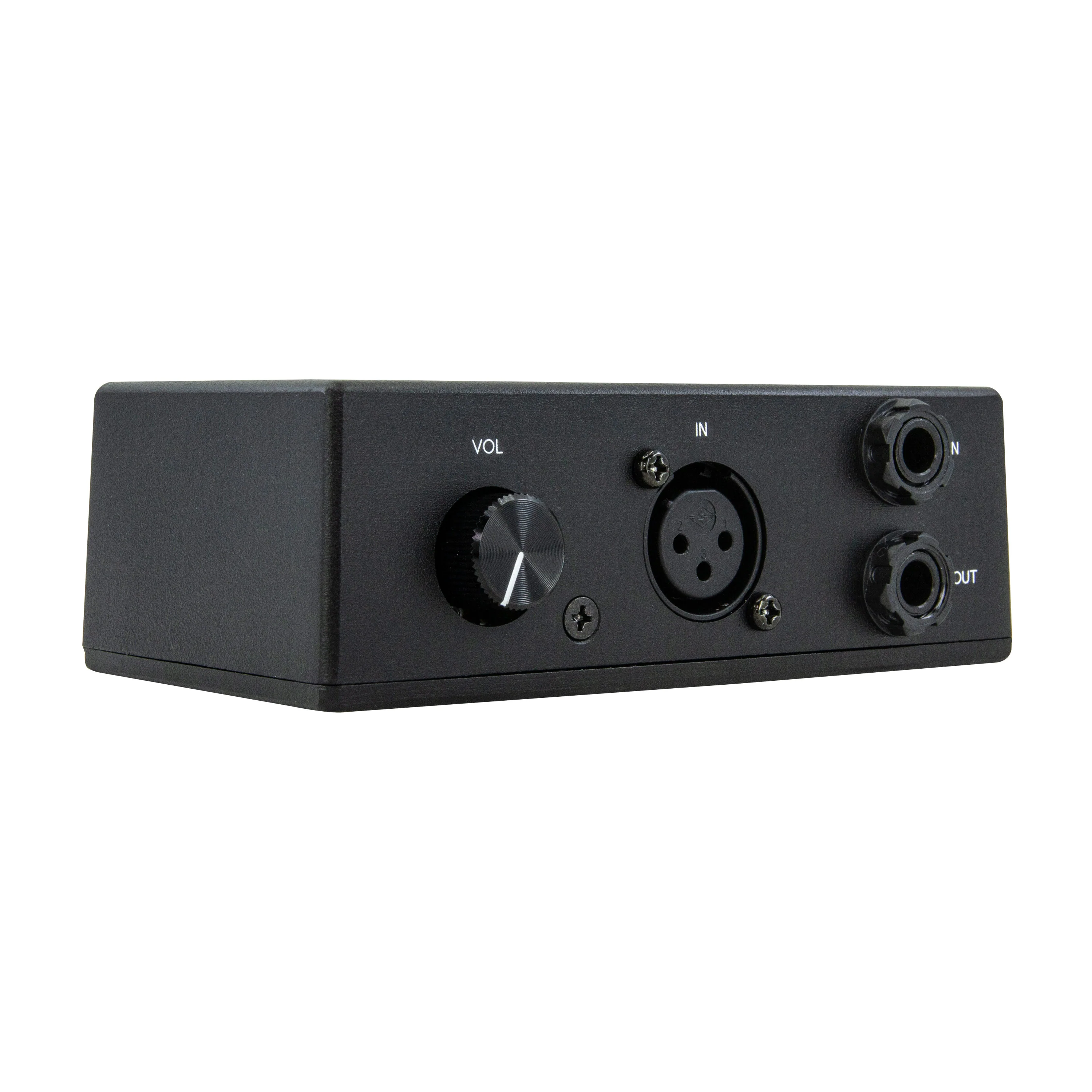
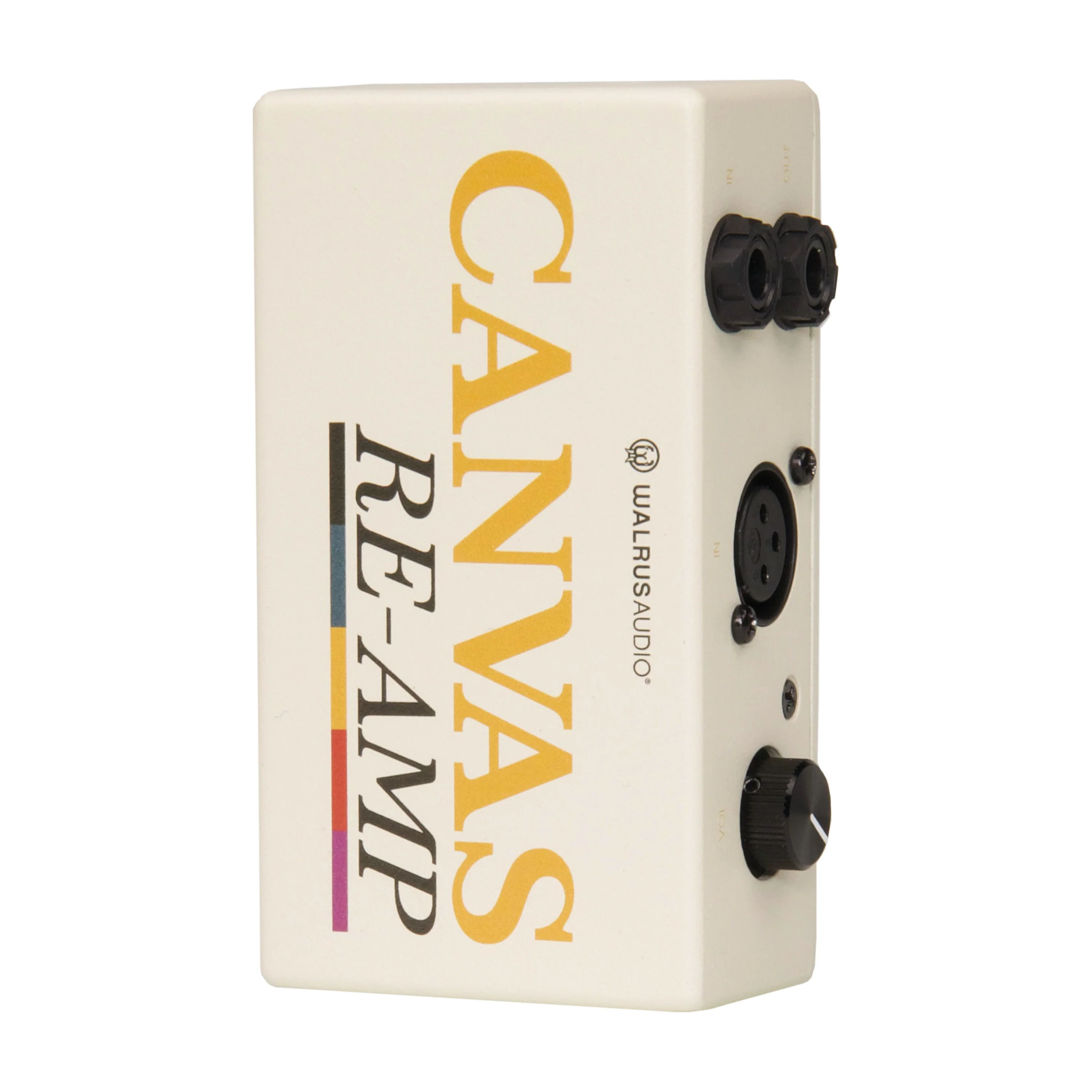
- Input: Balanced Line-Level
- Input Impedance: 3k Ohms
- Output: Unbalanced Instrumental-Level
- Output Impedance: 2.5k Ohms
- Common Mode Rejection Ratio:79dB @ 20Hz / +4dBu Input
Original: $149.99
-70%$149.99
$45.00More Images






Canvas Passive Re-Amp
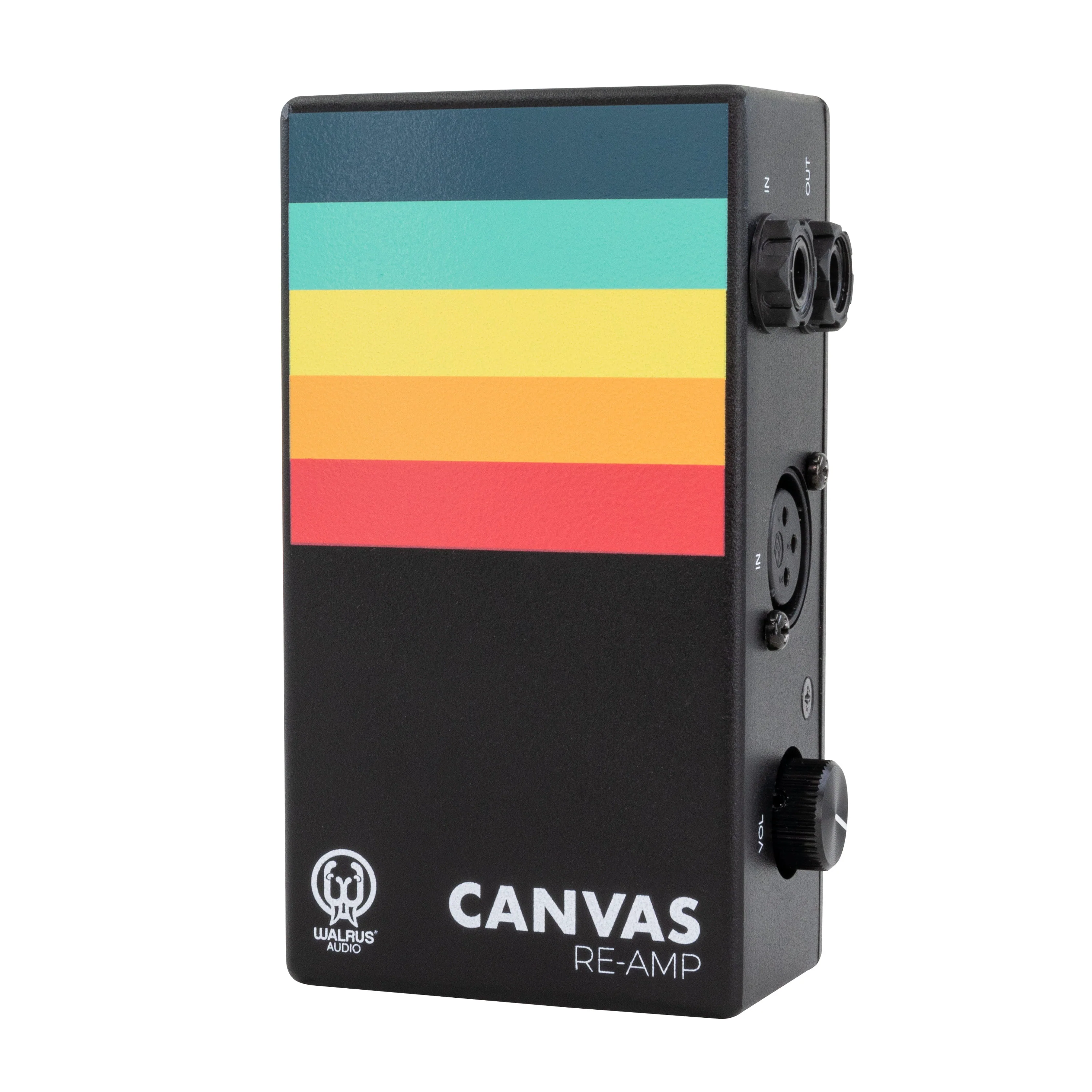
Adding another tool to the musical paint pallet, Walrus Audio is creating another way to design your tone with the Canvas Series Passive Re-Amp. The Re-Amp is a studio tool designed to send recorded guitar, drums, or other instrument tracks from your recording session through pedals and effects, or different amp combinations. The Re-Amp makes it’s appearance to facilitate all-new ways to experiment with your songs.
Artists and producers can save time on tracking sessions by recording dry tracks first, then using Canvas Re-Amp’s custom Sapphire Transformers to convert line-level signals, optimizing them to work with amps and guitar pedals of any kind to explore limitless tones and sounds.
Using a Re-Amp
1. From your DAW, audio track goes into the Canvas Re-Amp.
2. Out from Re-Amp into pedals or mic'd amp.
3. Out from pedals / amp back into DAW.
Canvas Re-Amp Features
- Frequency Response: 20Hz To 20kHz
- THD+N: 0.07% @ 20Hz / +4dBu Input 0.001% @ 1kHz / +4dBu Input
- Maximum Input Level: +21dBu @ 20Hz
- Noise Floor: -116dBu
- Signal To Noise Ratio: 114dB @ 1kHz
- Input: Balanced Line-Level
- Input Impedance: 3k Ohms
- Output: Unbalanced Instrumental-Level
- Output Impedance: 2.5k Ohms
- Common Mode Rejection Ratio:79dB @ 20Hz / +4dBu Input
Product Information
Product Information
Shipping & Returns
Shipping & Returns
Description
Adding another tool to the musical paint pallet, Walrus Audio is creating another way to design your tone with the Canvas Series Passive Re-Amp. The Re-Amp is a studio tool designed to send recorded guitar, drums, or other instrument tracks from your recording session through pedals and effects, or different amp combinations. The Re-Amp makes it’s appearance to facilitate all-new ways to experiment with your songs.
Artists and producers can save time on tracking sessions by recording dry tracks first, then using Canvas Re-Amp’s custom Sapphire Transformers to convert line-level signals, optimizing them to work with amps and guitar pedals of any kind to explore limitless tones and sounds.
Using a Re-Amp
1. From your DAW, audio track goes into the Canvas Re-Amp.
2. Out from Re-Amp into pedals or mic'd amp.
3. Out from pedals / amp back into DAW.
Canvas Re-Amp Features
- Frequency Response: 20Hz To 20kHz
- THD+N: 0.07% @ 20Hz / +4dBu Input 0.001% @ 1kHz / +4dBu Input
- Maximum Input Level: +21dBu @ 20Hz
- Noise Floor: -116dBu
- Signal To Noise Ratio: 114dB @ 1kHz
- Input: Balanced Line-Level
- Input Impedance: 3k Ohms
- Output: Unbalanced Instrumental-Level
- Output Impedance: 2.5k Ohms
- Common Mode Rejection Ratio:79dB @ 20Hz / +4dBu Input